
Account & workspace settings
Your profile, workspace details, timezone, security, and notification preferences.
Settings → Account covers the basics of you and your workspace.
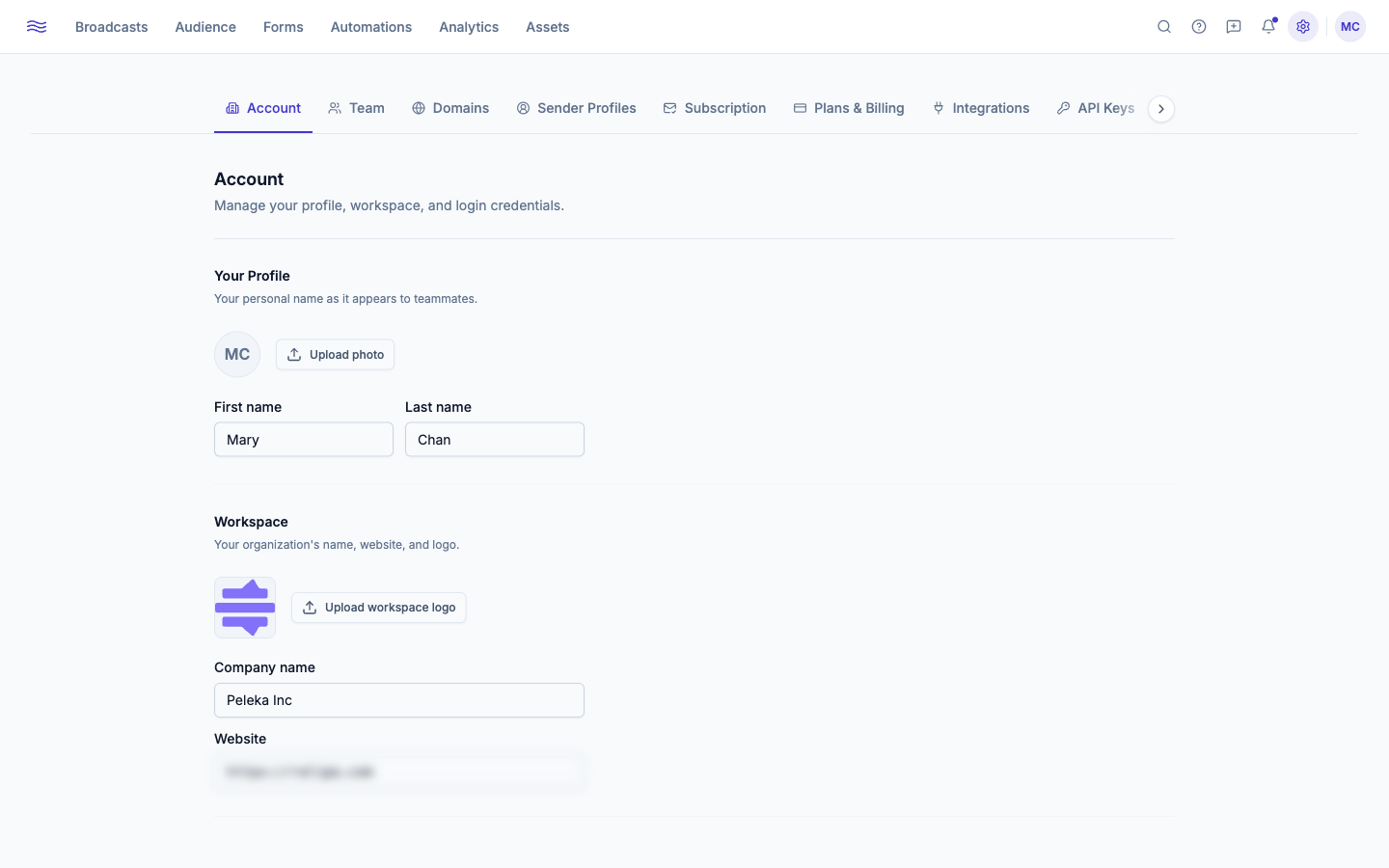
Your profile
Avatar, first name, last name: the identity shown to teammates.
Workspace (admin+)
Logo, company name, and website. This is also where your account-wide timezone lives. It's not cosmetic: broadcasts scheduled for "9am" fire at 9am in this timezone, unless you're using subscriber's-local-time sending.
Security
Change your password here (current password + new password, minimum 12 characters). Resetting your password automatically signs out every other active session on your account, as a safety measure.
Deleting a workspace (owner only)
At the bottom of Settings → Account is a Danger Zone with a Delete workspace button. Deletion is permanent and immediate: it wipes every contact, broadcast, form, automation, and segment in the workspace, and signs you out. To confirm, you type permanently delete <workspace name> (or your account password) into the dialog. There's no undo and no grace period, so export anything you want to keep first.
Notifications
Settings → Notifications has two parts.
Weekly Digest
A summary email sent every Monday at 8:00 AM to all workspace admins. Toggle which sections it includes:
- Broadcasts: summary of sends, open rates, and click rates
- Forms: new submissions and form performance
- Audience: subscriber growth and list changes
- Automations: enrollment counts and step completion
System emails
A single Receive product emails toggle controls whether Peleka sends you its own non-essential messages — product updates, contact-import summaries, and the like. It's a per-person setting, not workspace-wide. Account-security emails (password resets, sign-in alerts) always send regardless.